How to type Hindi on your phone and computer
The englishtohindi.online editors · · 4 min read
Devanagari input is built into every modern device and takes about two minutes to enable. Here is where the setting lives on Android, iPhone, Windows, and Mac.
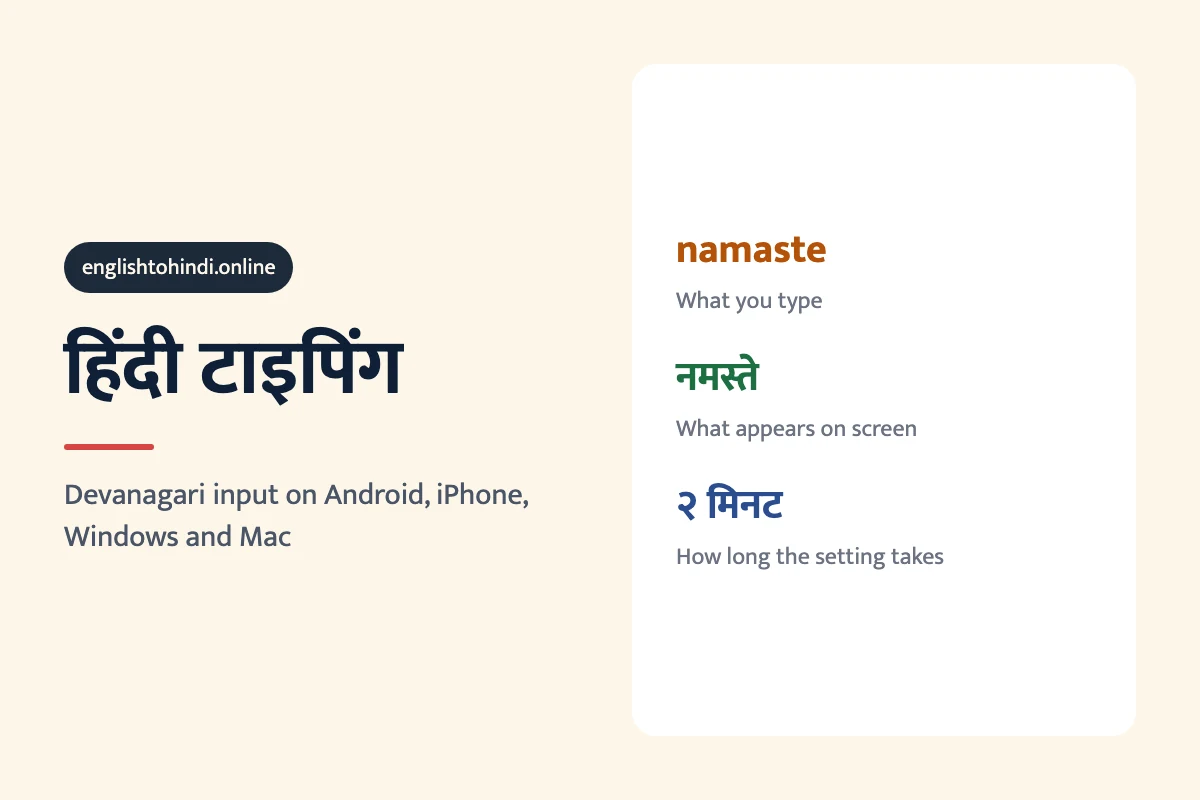
Every current phone and computer can type Hindi without extra software. On Android, add Hindi in Gboard's language settings. On iPhone, go to Settings → General → Keyboard → Keyboards → Add New Keyboard → Hindi. On Windows, Settings → Time & Language → Language → Add Hindi. On Mac, System Settings → Keyboard → Input Sources → Hindi. Each takes about two minutes, and all of them offer a phonetic layout where you type “namaste” and get नमस्ते.
Most people writing Hindi in Roman letters are doing it because nobody showed them where the setting is. Every current phone and laptop ships with Devanagari input and a phonetic layout, which means you type 'namaste' and get नमस्ते without learning a new key arrangement.
Android
- Settings → System → Languages & input → On-screen keyboard → Gboard.
- Tap Languages → Add keyboard → search Hindi.
- Choose Hindi (Latin) for phonetic typing, or Hindi for the traditional layout.
- Switch between keyboards with the globe key next to the space bar.
Hindi (Latin) is what you want if you already type Hinglish. You keep typing exactly as you do now, and Gboard converts to Devanagari as you go.
iPhone and iPad
- Settings → General → Keyboard → Keyboards → Add New Keyboard.
- Select Hindi, then choose Devanagari or Transliteration.
- Transliteration is the phonetic option — type 'aap kaise ho' and pick आप कैसे हो from the suggestion bar.
- Switch with the globe key.
Windows
- Settings → Time & language → Language & region → Add a language → Hindi.
- Click the three dots next to Hindi → Language options → Add a keyboard.
- Pick Hindi Phonetic if it is offered; otherwise Hindi Traditional.
- Switch layouts with Windows key + Space.
Mac
- System Settings → Keyboard → Text Input → Edit → the + button.
- Search Hindi and choose Devanagari - QWERTY for phonetic input.
- Switch with Control + Space, or from the flag in the menu bar.
A few characters worth knowing
| Character | Name | What it does |
|---|---|---|
| । | Danda | Ends a sentence — Hindi's full stop |
| ् | Halant | Removes the inherent vowel, joining consonants |
| ं | Anusvara | Nasalises the preceding vowel |
| ँ | Chandrabindu | The nasal in हूँ, नहीं, माँ |
The danda is the one people miss most often. Hindi sentences traditionally end with । rather than a period, and on a phonetic keyboard it is usually mapped to the backslash or the period key.
Once Devanagari input is set up, translation quality improves noticeably — you are giving the tool unambiguous input instead of asking it to guess which language your Roman letters represent, which is the whole reason Hinglish translates badly. If the script itself is still unfamiliar, the alphabet takes about a week.
Frequently asked questions
How do I type Hindi on Android?
Gboard supports it natively. Open Settings → System → Languages & input → On-screen keyboard → Gboard → Languages, then add Hindi. Choose “Hindi (Latin)” if you want to keep typing in Roman letters and have them converted to Devanagari as you go.
How do I type Hindi on an iPhone?
Settings → General → Keyboard → Keyboards → Add New Keyboard → Hindi, then pick Devanagari or Transliteration. Switch between keyboards with the globe key at the bottom of the screen.
How do I type Hindi on Windows?
Settings → Time & Language → Language & region → Add a language → Hindi. Once installed, press Windows + Space to switch layouts. The phonetic layout lets you type “namaste” and get नमस्ते.
How do I type Hindi on a Mac?
System Settings → Keyboard → Text Input → Edit → add Hindi, choosing the Devanagari QWERTY layout for phonetic typing. Switch inputs with Control + Space.
Do I need to learn a new keyboard layout to type Hindi?
No. Every platform offers a phonetic or transliteration layout where you type the Roman spelling and the Devanagari appears. If you can type “namaste” you can type नमस्ते without learning any new key positions.
How do I type the nukta and the halant?
On phone keyboards, long-press the base letter to reach ज़, फ़ and ड़. On desktop phonetic layouts the halant is usually mapped to the backslash or period key, and doubling a consonant produces the conjunct form.
More guides
- Hindi plurals: लड़का, लड़के, लड़कों and which to use whenHindi has two plurals for every noun: one for the plain sentence and one for when a postposition follows. लड़के and लड़कों are both “boys”, and using the wrong one is the most common learner error.
- वाला in Hindi: what वाला, वाली and वाले actually meanवाला means “the one that” — the one who sells it, the one wearing it, the thing about to happen. One suffix doing three jobs English needs three constructions for.
- How to say “can” in Hindi: सकना, आना and पानामैं हिंदी बोल सकता हूँ. Ability, permission and “managed to” are three different verbs in Hindi, and picking the wrong one is the usual learner mistake.
Looking for a specific phrase? Browse the phrase guides.